Historical Valuation
Triggering the historical valuation manually
The historical valuation of the portfolios which also calculates the NAV series underlying the performance of the portfolio is scheduled to run once a day in the evening. To trigger it manually, you may do following:
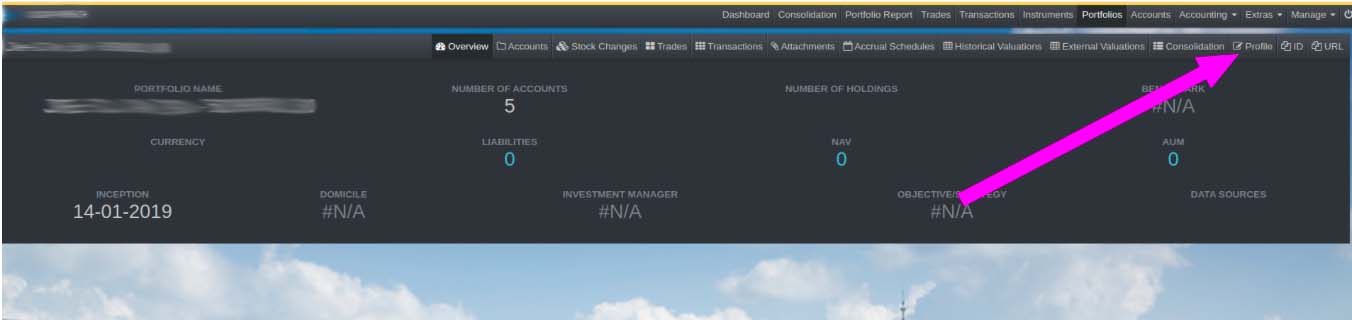
- On the portfolio details page, click Profile
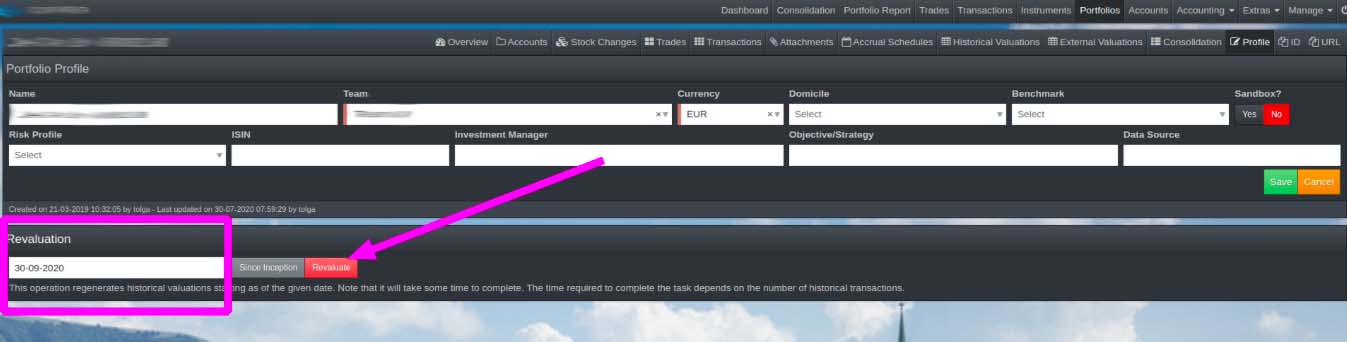
- On the Profile's page, enter your desired date for historical revaluation and click revaluate